
AI Chat with PDF
Ask, analyze, and understand PDFs instantly.
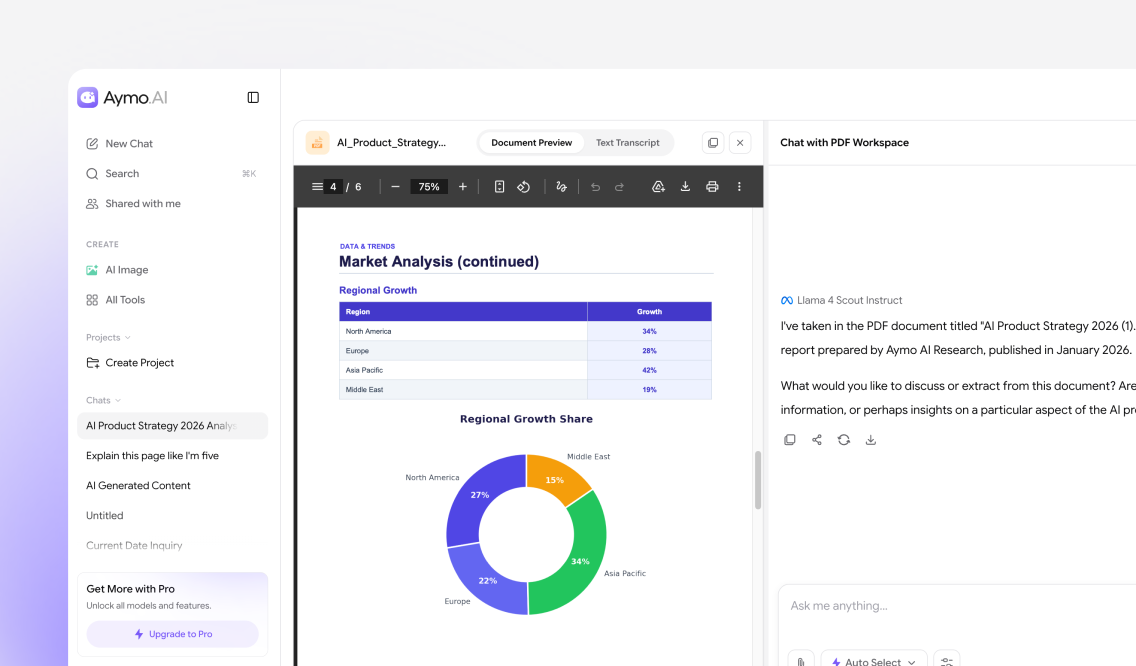
Upload a PDF and ask questions in plain language. Aymo AI reads every page and answers from the document, citing the source page so you can verify each reply. Ask follow-up questions to summarize a section, extract data from a table, or explain a specific clause.
Choose a file or drag & drop it here.
File type supported PDF format, up to 50MB
What Is AI Chat with PDF
AI Chat with PDF answers questions about a document so you don't have to read it end to end. Upload a file, ask in plain language, and get a direct answer from the text. Aymo reads every page at once and remembers earlier questions, so follow-ups stay in context. It handles research papers, contracts, manuals, and scanned files with built-in OCR. Need more detail? Ask about a specific page or section, compare answers from GPT, Claude, and Gemini, or open the cited source page to verify a reply.
Why Choose Us
What You Get with Aymo AI Chat with PDF
Multi-Model Accuracy
Chat with the same PDF using GPT, Claude, Gemini, GLM, DeepSeek, and more in one workspace. Run one question through several models, compare the answers, and keep the one that fits.

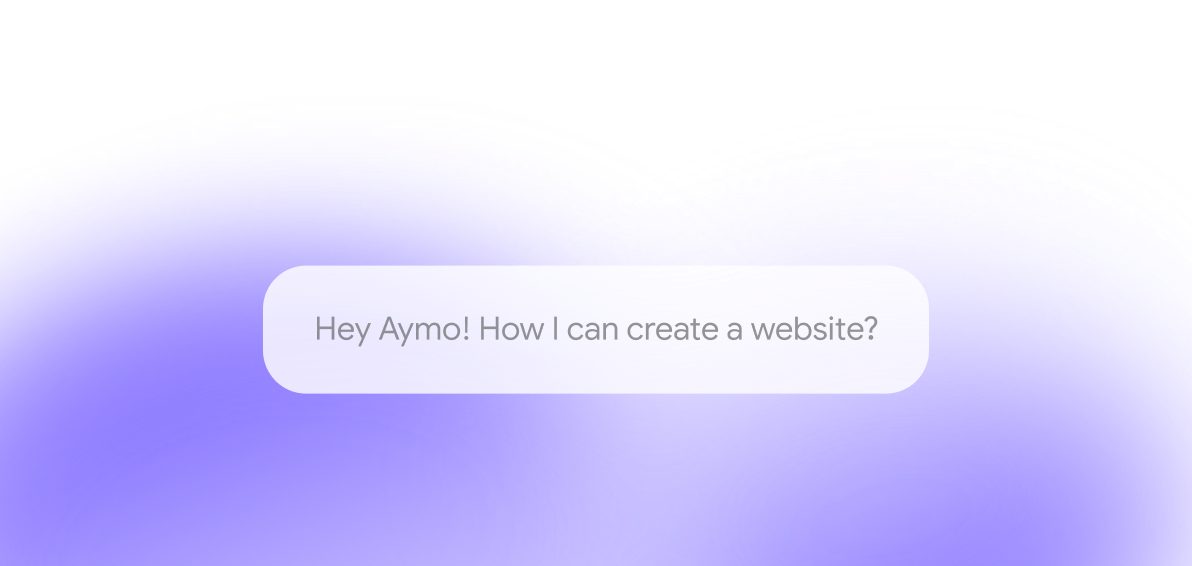
Ask Anything
Ask questions, summarize chapters, explain concepts, extract figures, or compare sections. Aymo finds the answer in the document, so you skip the manual search through long files.
Works with Any PDF
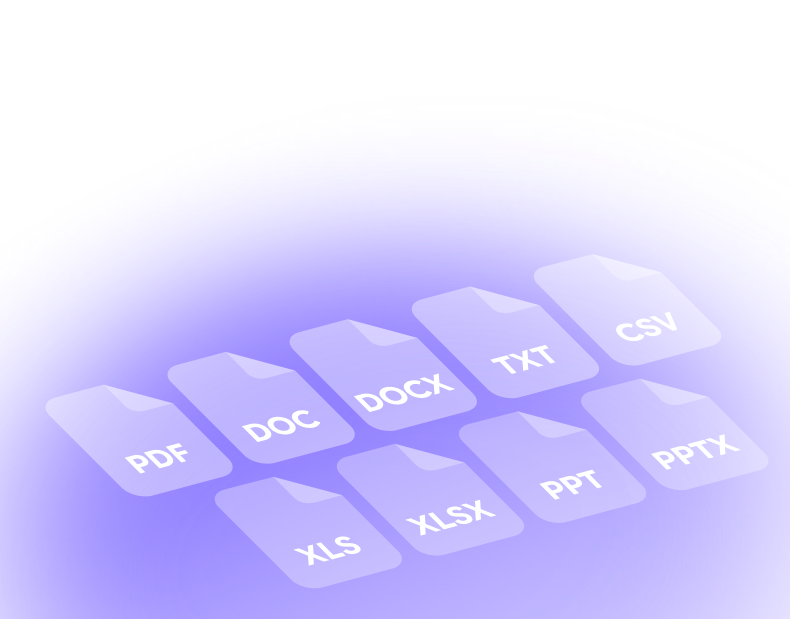
Upload research papers, contracts, reports, textbooks, invoices, presentations, or ebooks. Built-in OCR reads scanned and image-based documents before answering your questions.
Built for Teams
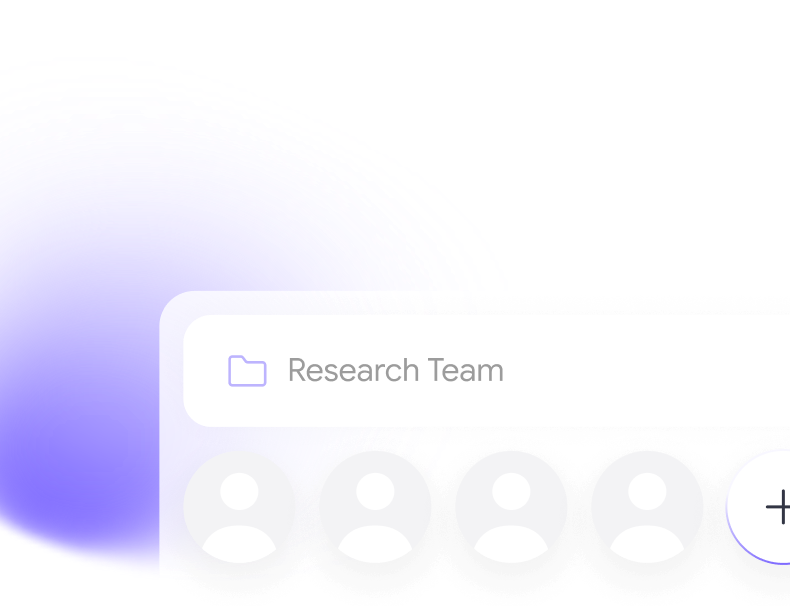
Share PDFs, conversations, and notes in one secure workspace. Shared document history means your team can find an answer to a question someone has already asked, instead of uploading the file again.
Beyond Answers
Turn a PDF into study notes, a meeting brief, a translation, or a report outline in the same thread. You go from raw document to usable material without opening a second tool.

How it works
How to Chat with PDFs

Upload Your PDF
Drag and drop a PDF or browse your device. Aymo prepares the document.

Choose an AI Model
Pick the model that fits your task. Switch anytime to compare answers.

Ask Anything
Ask questions, summarize sections, extract data, or generate study notes.
Who is it for?
Built for Students, Professionals, and Teams
Students and Learners
Answer questions from textbooks and class notes without flipping pages.
Researchers and Academics
Compare results and pull references from long academic papers.
Business Professionals
Get the key points of reports, proposals, and meeting minutes.
Legal Professionals
Find and check clauses across contracts and agreements.
Educators and Trainers
Create quizzes and teaching materials from textbooks and manuals.
Writers and Marketers
Pull data and references from long documents to draft articles and briefs. [74]
Team Collaborate
Turn PDF Chats into Team Knowledge
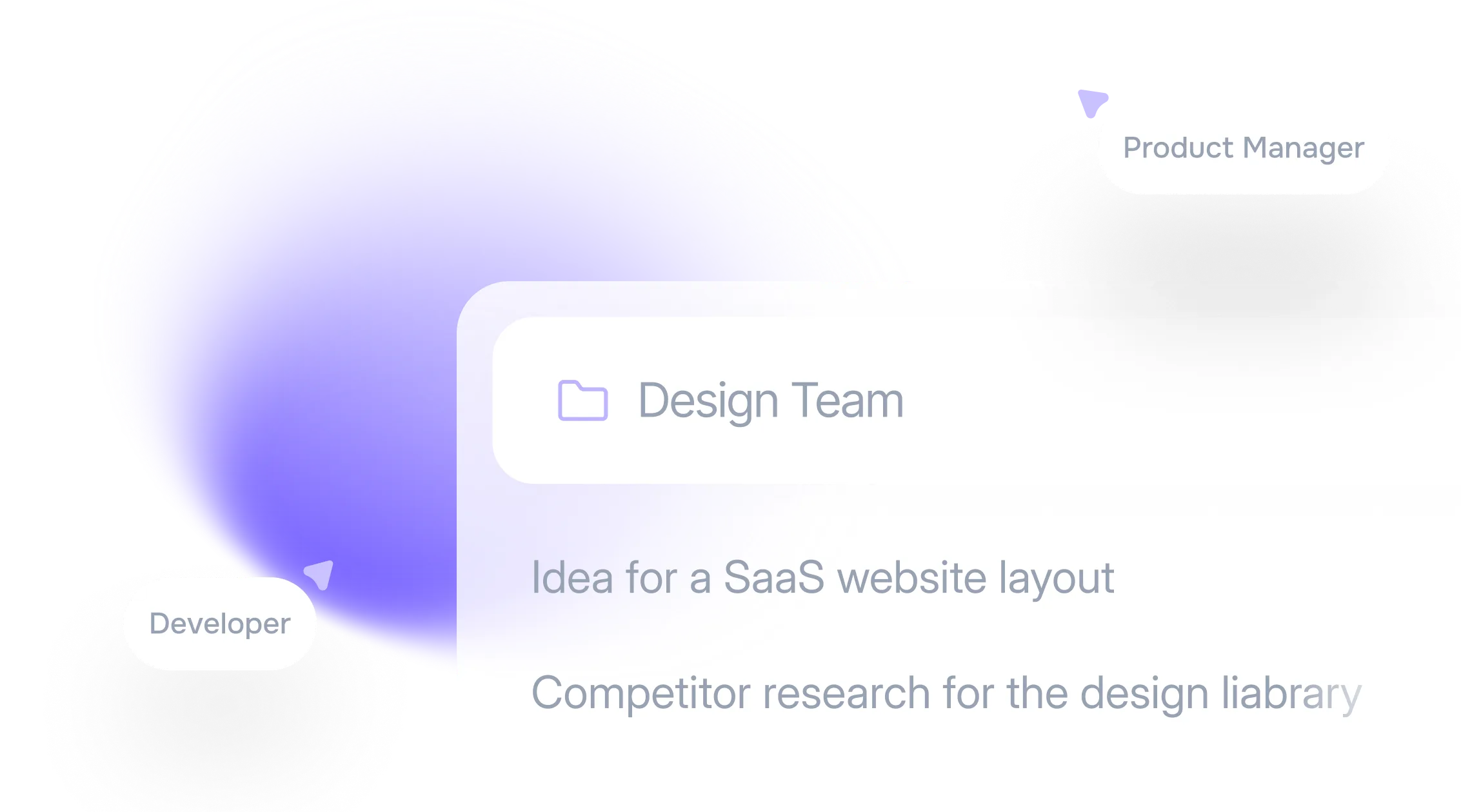
With Aymo, every PDF conversation is saved to a shared workspace. Your team can organize chats, add notes, and revisit past answers in one place. When one person asks a question, everyone else can read the answer without having to upload the document again.
FAQ
Frequently Asked Questions
Answers on supported documents, models, collaboration, and security.
GPT, Claude, Gemini, DeepSeek, GLM, and more. Switch models anytime, or run the same question through several and compare the answers.
Research papers, contracts, reports, textbooks, invoices, manuals, presentations, resumes, and ebooks. Scanned files work too, since built-in OCR reads them before answering.
Yes. Ask about a page, chapter, heading, table, or section, and Aymo answers from that part of the document.
Yes. Aymo reads every page of a long document, so you can ask targeted questions instead of scrolling to find the answer.
Yes. Aymo keeps the context of the conversation, so you can clarify an answer or move on to another part of the document.
Yes. Your documents and conversations stay private, and you control who can access anything you share.
Ready to Explore?
Work Smarter With Multi-Model AI
Chat with PDFs, summarize research, and translate documents using GPT, Claude, Gemini, GLM, DeepSeek, and LLaMA in one secure workspace.