
AI PDF Translator
Translate entire PDF documents in seconds with AI.
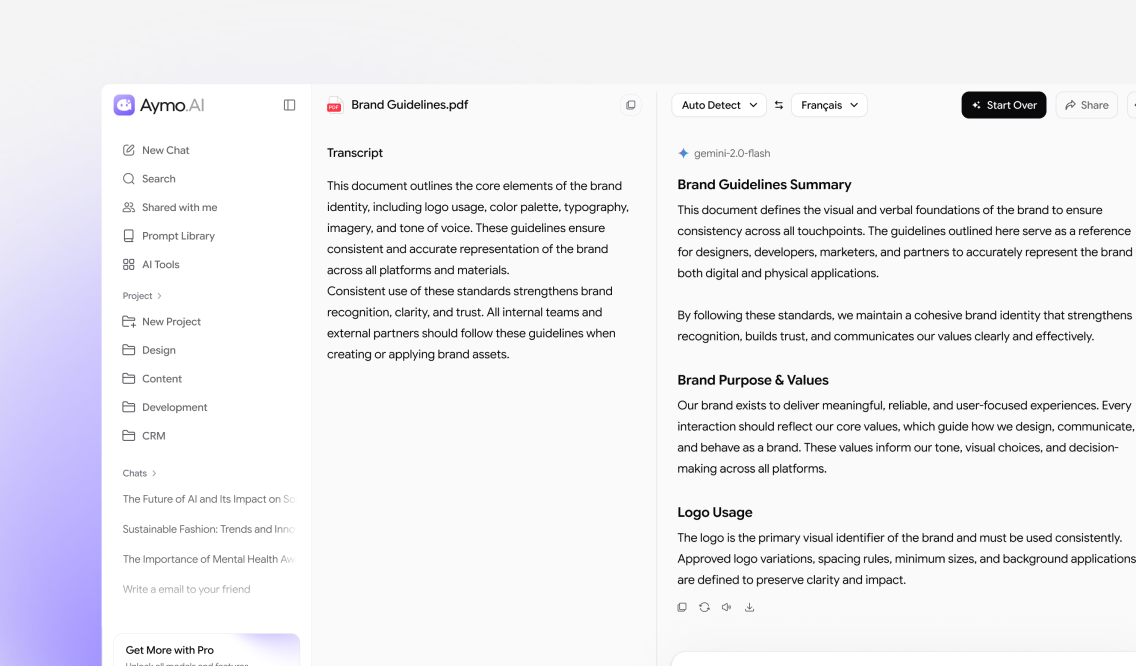
Upload a PDF, choose a target language, and get a translated document that keeps the original layout. Aymo translates research papers, contracts, manuals, and scanned files into more than 100 languages, so headings, tables, and structure remain intact after translation.
Choose a file or drag & drop it here.
File type supported PDF format, up to 50MB
What Is AI PDF Translator
AI PDF Translator converts a full PDF into your target language. Upload the file, pick a language, and receive a translated document with the original meaning and formatting kept intact. No copying, pasting, or manual editing. It translates research papers, contracts, reports, textbooks, manuals, and invoices across more than 100 languages, and reads scanned PDFs with built-in OCR before translating. Need a specific tone or terminology? Compare outputs from GPT, Claude, and Gemini and keep the best version.
Why Choose Us
What the PDF Translator Does
Multiple AI Models
Translate the same PDF with GPT, Claude, Gemini, GLM, DeepSeek, and more in one workspace. Compare how each model handles tone and terminology, and keep the version that fits.

Translate Any PDF
Translate research papers, contracts, reports, textbooks, manuals, presentations, invoices, and ebooks. You upload the original file, so there is no text extraction to do first.
OCR for Scanned PDFs
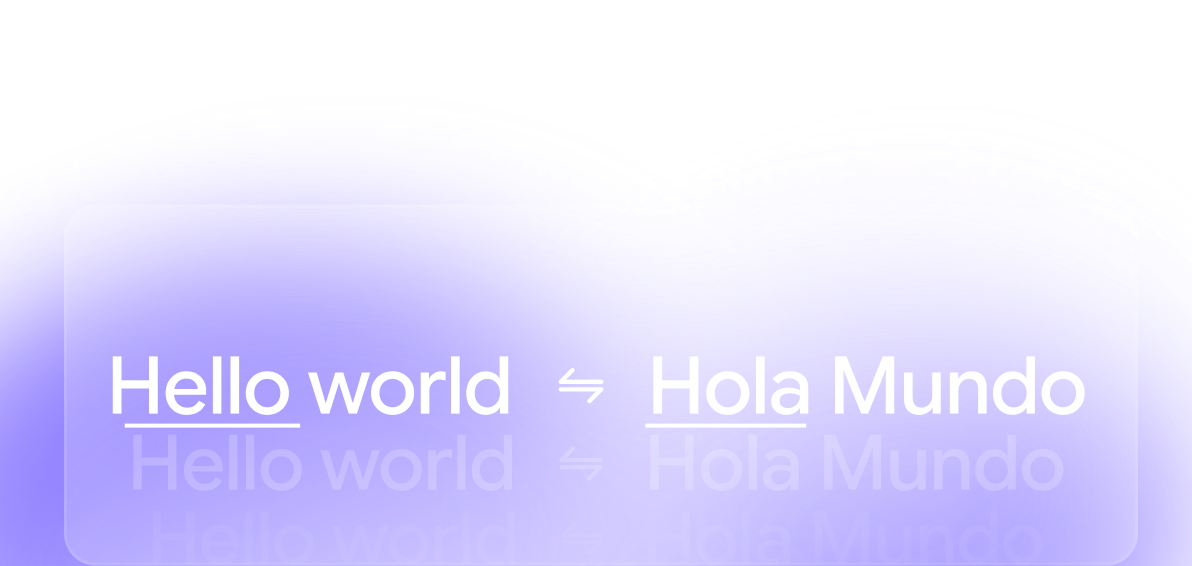
Built-in OCR reads the text inside scanned and image-based PDFs before translating. Printed contracts, book scans, and photographed pages translate like any other document.
Multi-Language Capability
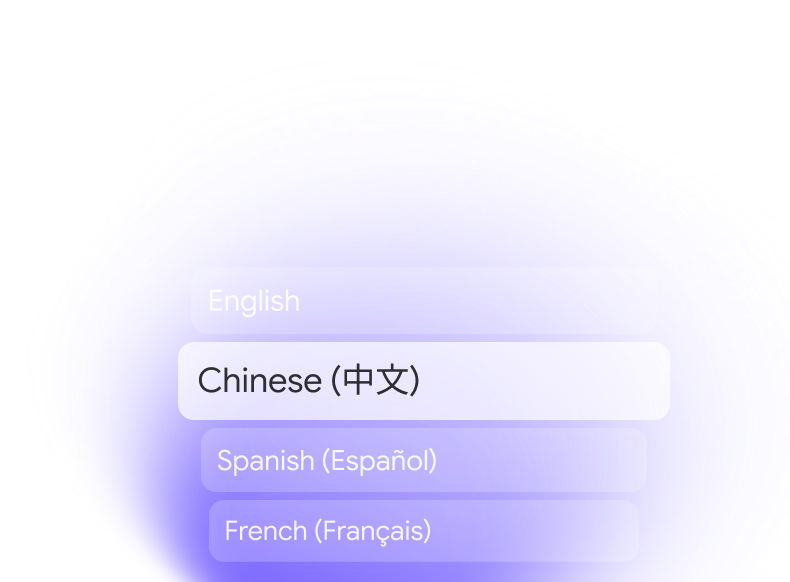
Translate a PDF into more than 100 languages, from Spanish and French to Japanese, Arabic, and Hindi. Pick your target language and switch to another whenever you need to.
Built for Teams
Store translated documents in one secure workspace your team can open. Everyone works from the same translation instead of emailing versions back and forth across languages.

How it works
AI PDF Translator: How it works?

Upload a PDF
Drag and drop a PDF or browse your device. Aymo prepares the document.

Choose Target Language and Model
Select a target language and a model. Switch models anytime to compare.

Get Your Translated PDF
Review the translated document, then download it or share it with your team.
Who is it for?
Built for Students, Professionals, and Teams
Students and Learners
Translate textbooks and journal articles from other languages for study.
Researchers and Academics
Read research papers and technical publications in your own language.
Business Professionals
Localize reports, proposals, and documentation for international clients.
Legal Professionals
Translate contracts and compliance paperwork with the structure kept intact.
Educators and Trainers
Translate lesson plans and training manuals for multilingual learners.
Writers and Marketers
Localize whitepapers, ebooks, and case studies for new regions.
Collaborate on Translations
Turn Translated Documents Into Shared Knowledge
With Aymo, every translated PDF is saved to a shared workspace. Your team can organize documents by project, add notes, and revisit past translations in one place. When one person translates a file, everyone else can use it instead of translating it again.
FAQ
Frequently Asked Questions
Answers on supported documents, languages, models, collaboration, and security.
GPT, Claude, Gemini, DeepSeek, GLM, and more. Run the same document through several models and keep the translation that fits your terminology.
Research papers, contracts, reports, textbooks, manuals, presentations, invoices, and ebooks. Scanned files work too, since built-in OCR reads them first.
More than 100, including Spanish, French, German, Portuguese, Italian, Japanese, Chinese, Korean, Arabic, and Hindi.
Yes. OCR extracts the text from scanned and image-based files before translating, so printed and photographed documents work too.
Yes. You can translate multiple PDFs and collaborate on the results inside the same workspace.
Yes. Your documents and translations stay private, and you control who can access anything you share.
Ready to Explore?
Work Smarter With Multi-Model AI
Translate PDFs, summarize documents, and work across languages using GPT, Claude, Gemini, GLM, DeepSeek, and LLaMA in one secure workspace.